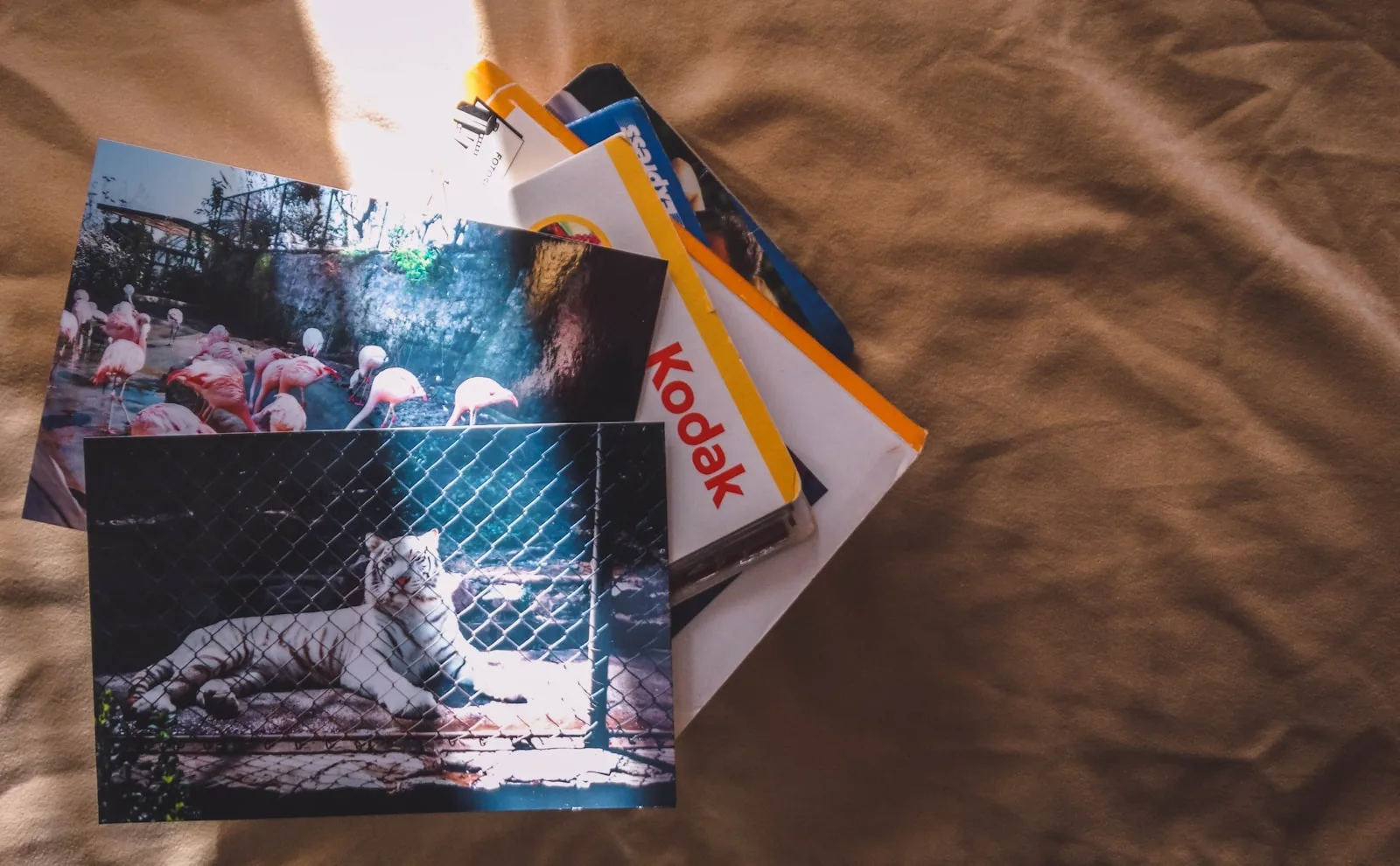
Those boxes of photographs, camcorder tapes and cassettes deserve better than the loft. Here is how to turn them into files you can find, share and keep.
Reviewed, edited and approved by Editor-in-chief Daniel Sköld · Updated 23 October 2026
Contents
Somewhere in your house is a box containing a holiday nobody has watched since 1994. The camcorder tape may be perfectly sound. The harder question is whether you still own anything that can play it.
Digitising your old life is less about buying clever kit than making a few sensible decisions: what matters, what you can safely do yourself and where the resulting files will live. Start small. You are rescuing memories, not opening a branch of the British Library.
AD
Start with what you cannot replace
Before plugging anything in, sort the collection. Home videos, family photographs and recordings of someone’s voice deserve attention before commercially released music or films you may be able to obtain again. Put a name, approximate date and place on each box or sleeve while someone still remembers them. A file called ‘Tape 17’ will not become more informative with age.
Look at the condition of the originals. Keep photographs cool and dry, away from lofts, damp cupboards and direct sunlight. Do not peel prints stuck to album pages or attack them with household cleaner. If a negative is stuck to its sleeve, leave it for a specialist. Digitisation makes a copy; it does not repair whatever damage you do while extracting the original.
Tapes need the same restraint. If you see dust, debris or fuzzy growth inside a cassette, do not test it in your last working player. You could damage both tape and machine. Set it aside and ask a transfer specialist whether it can be cleaned. For sound and video, a good playback machine matters at least as much as the gadget attached to your computer.
Make a trial batch: a handful of prints, one ordinary video tape and one cassette. You will learn whether the process suits you before you commit every weekend until Christmas. Save the irreplaceable or visibly fragile items for people equipped to handle them.
How do you digitise old photographs and slides?
For loose prints, a flatbed scanner is the straightforward option. Clean the glass, handle the photograph by its edges and preview each scan for dust, cropping and crooked horizons. ‘DPI’ means dots per inch: broadly, how much detail the scanner captures from the original. For everyday prints, around 300–400 dpi is a sensible starting point. Scanning everything at the biggest advertised setting produces enormous files, not necessarily better memories.
If you still have the negatives, consider scanning those for the pictures that matter most. They can hold detail missing from an old print, but need a scanner or service designed for film. Small negatives generally need a much higher scanning resolution than prints. Slides also need suitable equipment; placing one on an ordinary flatbed and hoping for the best is a poor bet.
A phone is useful for capturing an album page quickly, especially when removing the prints would risk damage. Photograph it square-on in even light, without flash glare, then record any handwritten captions too. That is a practical record, not necessarily the best-quality copy of an individual photograph. For favourites you might reprint, use a proper scan where possible.
Keep an untouched master file. TIFF is an uncompressed image format that gives you room to edit later; JPEG makes smaller, convenient copies for sharing. If your scanner only saves JPEG, do not let format anxiety stop the job. Choose its highest useful quality, keep the original file and make edited versions separately. An enthusiastic automatic ‘restoration’ that changes a face is not restoration.
AD
Can you convert VHS and cassettes yourself?
Yes, if you have a working player and enough material to justify learning the setup. For VHS, you need a suitable video recorder, a capture device that takes its picture and sound into a computer, and software to record the result. Check the connections before buying anything: the presence of USB on a gadget does not mean it will accept your recorder’s output. Camcorder formats such as VHS-C, Video8, Hi8 and MiniDV may require their own compatible playback equipment.
Tape runs in real time. A long recording takes a long time to capture, and somebody should check that the sound is present and the picture does not vanish halfway through. Save a widely playable video file such as MP4, and watch samples from the beginning, middle and end. Ask a transfer service for a video file rather than a DVD alone: a disc is another physical object you will eventually need a drive to read.
The rescue is not finished when you press stop. It is finished when you can find, play and back up the file.
For spoken-word cassettes or your own recordings, a functioning deck can feed a computer’s audio input or an appropriate USB audio interface. Record a short test first, particularly if the original is irreplaceable. WAV is a useful high-quality master format; an MP3 copy is handier for listening on your phone. Label the files with the speaker, occasion and date if known. ‘Dad telling the caravan story, circa 1988’ beats ‘audio_final_final’.
Outsourcing often wins if you have only a few tapes, no reliable player or a rare format. As a price illustration rather than a fixed market rate, one UK transfer company listed £15 per VHS tape for orders of one to four when checked in October 2026, with an MP4 file included. Check charges for postage, unusually long tapes, damaged media, USB delivery and return of originals before sending anything away. Ask for a sample transfer if the recording is especially precious.
One UK-wide legal wrinkle matters before you work through a shelf of bought CDs or recorded television. The general private-copying exception introduced in October 2014 was quashed in July 2015; owning a commercial recording does not itself give you a blanket right to make a digital copy. This position applies across England, Scotland, Wales and Northern Ireland. Concentrate on your own family recordings, and check rights or seek permission where somebody else created the material, particularly if you plan to publish it.
Where should the files live afterwards?
Not solely on the computer used for the transfer, and certainly not solely on the USB stick handed back by a shop. Make a working collection with clear folders by year, event or person. Keep the tape labels, dates and any uncertainty in a simple text document alongside the files. If the year is a guess, say so; future relatives will appreciate your honesty more than your confidence.
Then make separate backups. The National Cyber Security Centre recommends keeping important data in another safe location, such as cloud storage or removable media. A practical arrangement is your computer, an external drive disconnected after backup and a cloud copy or another drive stored elsewhere. Turn on two-factor authentication for the cloud account, and try opening a few files from each backup. A folder icon is not proof that the wedding video survived.
Do not throw away the originals the day the files arrive. First check every transfer, including sound, and confirm the backups work. Store the surviving prints and tapes somewhere dry and stable. Finally, put a reminder in your calendar to check the collection and move it to usable storage as devices change. Digital files are easier to share than a VHS cassette, but they are not immortal. They need a little attention — considerably less than finding another working video recorder.
In short
Start with irreplaceable family photographs and recordings, scan sound originals carefully, and use a reputable transfer service when tapes are fragile or you lack a working player. Ask for ordinary digital files, check that they play, and keep backups in more than one place. Keep the originals until you are confident the copies are safe.
Alex Innes explains technology for men 45 and over who have seen every gadget since the ZX Spectrum and are not easily impressed. AI and ChatGPT, phones, cars, the smart home, the subscriptions worth keeping and staying safe online – what it does, whether it's worth the money, and whether you need it at all.
One of Midcent's writers. Spotted something? Write to alex@midcent.uk.
Your best summer pictures are buried beneath screenshots and receipts. Here is how to find them, keep a safe copy and reclaim phone space without another subscription.
Old apps, generous permissions and an untested photo backup are worth a closer look. Here’s how to tidy your phone without deleting anything you actually need.