Reviewed, edited and approved by Editor-in-chief Daniel Sköld · Updated 20 October 2026
Contents
You put the football on. The television puts together a picture of your viewing habits. That is not necessarily the arrangement you thought you were paying for.
A smart TV can do more than run apps: depending on its settings, it may recognise what appears on screen and use that information for advertising. The useful question is not whether to throw it out, but which switches you can turn off while keeping the evening’s viewing intact.
AD
What does a smart TV know about what you watch?
The most revealing feature is automatic content recognition, or ACR. It compares samples of what appears on the screen with a catalogue to identify a programme or other content. Because the TV sees the finished picture, changing the source does not necessarily defeat it. A programme arriving through a set-top box, a connected Blu-ray player or the TV’s own apps can still be visible to the TV’s recognition system.
That is distinct from an app knowing what you play inside it. BBC iPlayer, for example, collects information about how you use the BBC’s services, including programmes you watch. Disabling the television maker’s ACR does not stop iPlayer collecting information needed for its own service. Equally, signing out of an app does not automatically change the television’s privacy choices. There are several organisations in this living room, not one enormous bloke behind the curtains.
There are other, separate settings. The TV’s operating system may collect information about which apps you open and how you use its menus. An advertising ID is a device identifier that apps can use when selecting adverts. Voice controls raise another question: whether you want a microphone feature enabled. None of these is the same switch as ACR, which is why turning off personalised adverts alone may leave viewing recognition enabled.
Nor does recognition mean someone is watching your whole evening’s video feed. The point is to identify content and build useful information about viewing habits. That is less cinematic than a spy film, but quite enough to make it worth checking.
How do you stop your TV tracking your viewing?
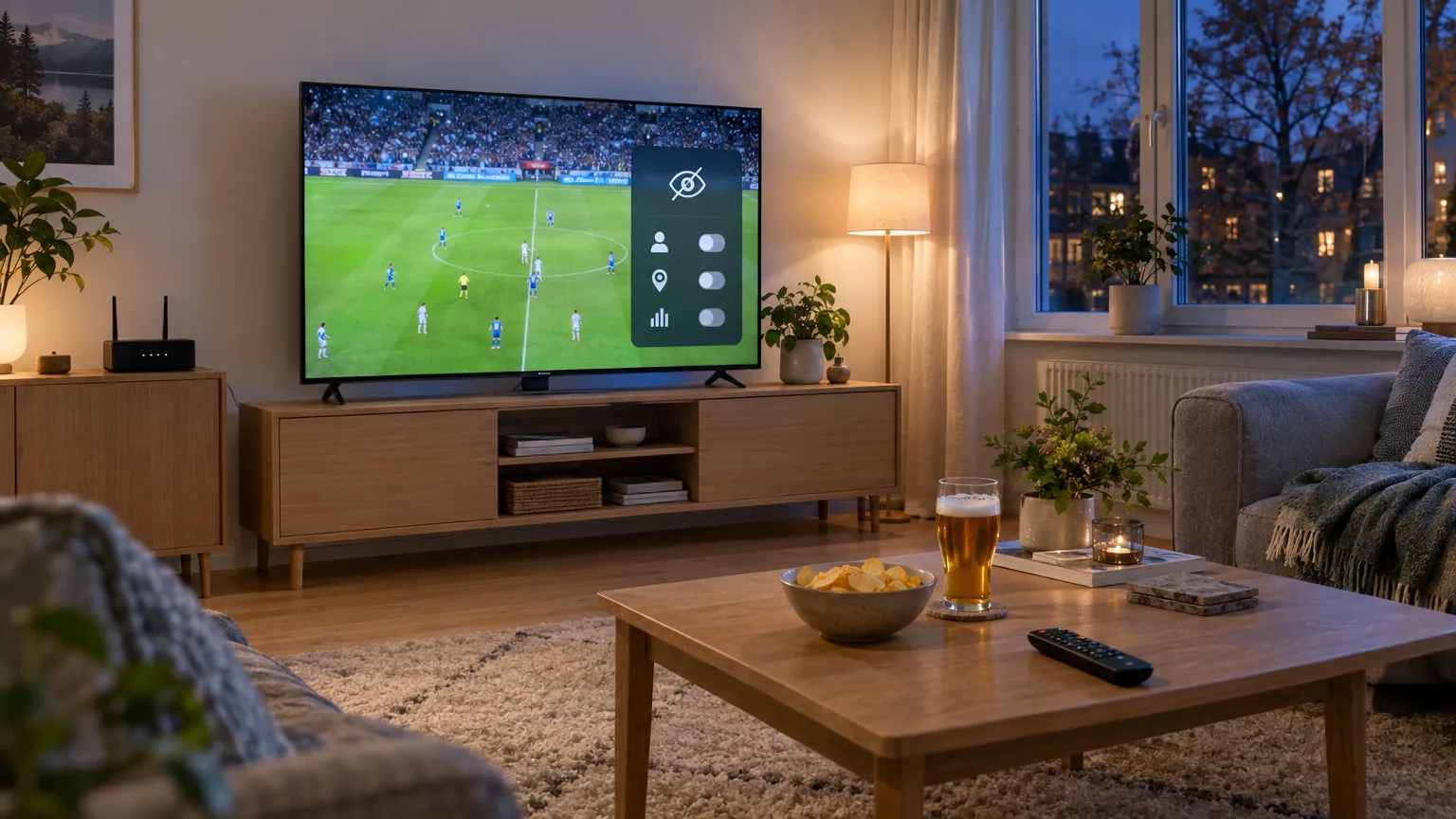
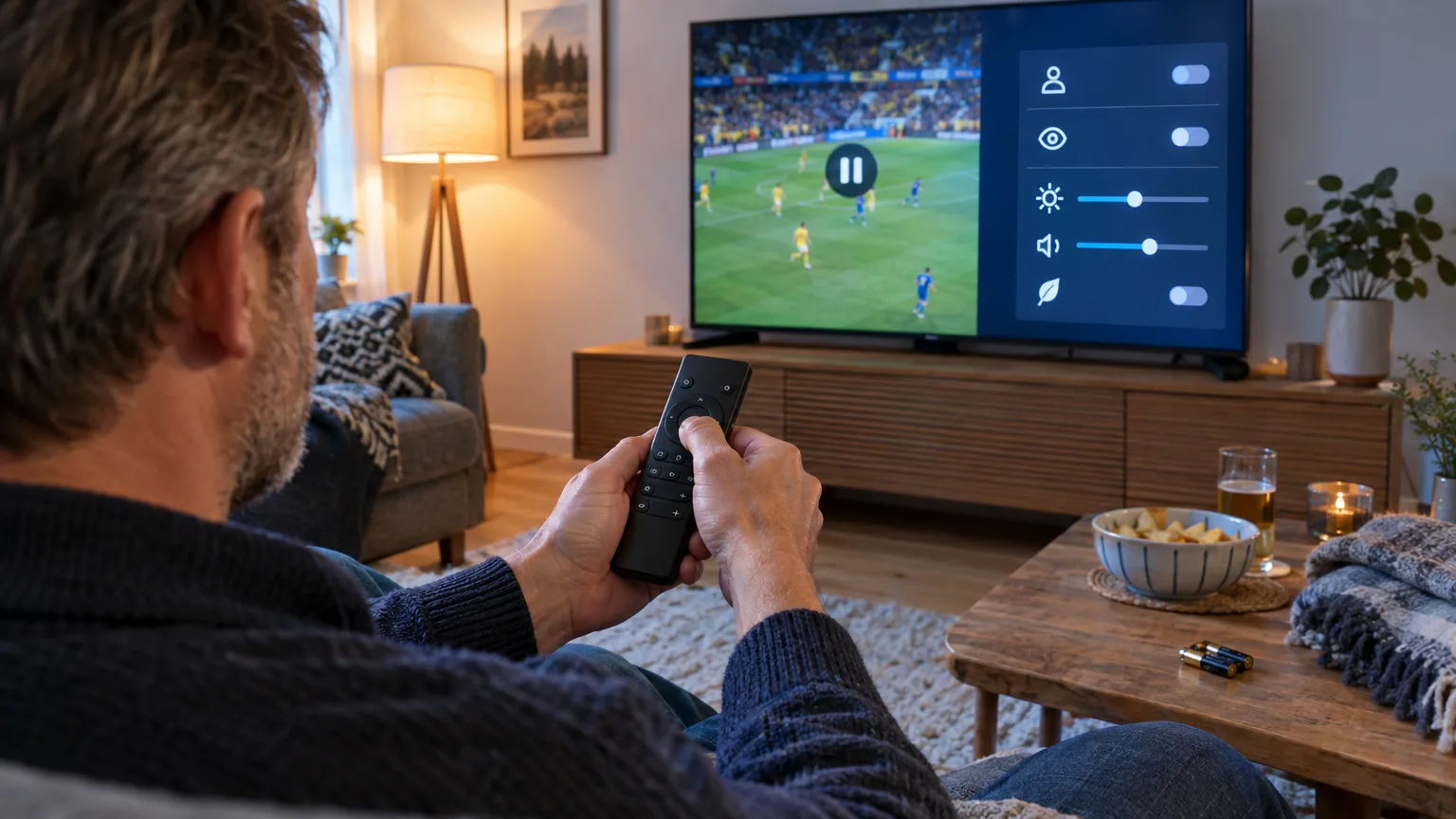
Start with the TV remote, not your broadband router. Open Settings and look for Privacy, Terms & Privacy, Privacy Choices or Smart TV Experience. Find the choice about viewing information or content recognition and turn it off. Then inspect the separate choices for interest-based advertising, app usage, content recommendations and voice recognition. Menu wording varies by model and software version, so treat any route below as a signpost rather than a sacred incantation.
On many LG TVs, the recognition setting is called Live Plus, under General, System and Additional Settings. On Samsung TVs, look for Viewing Information Services in the privacy terms and save your change; Internet-based Advertising is a separate option. Some Sony TVs offer Samba Interactive TV, which you can disable. These names matter more than a memorised sequence of remote-control presses: a software update can move a menu without changing what the choice does.
You should not have to trade your viewing history for the ability to watch the match.
If you use a Fire TV device, check Settings, Preferences, Privacy Settings. Amazon lists separate controls for Device Usage Data, Collect App Usage Data and Interest-based Ads. On a Google TV device, Settings, Privacy, Ads lets you delete its advertising ID. Deleting that ID is more useful than merely resetting it, which replaces it with another one, but Google says apps can still show adverts and use other information you have given them.
Check a connected streaming stick as well as the television. Changing the stick’s settings does not switch off the TV’s ACR, and changing the TV’s settings does not settle what the stick or its apps collect. The same applies if the family uses different profiles or services. It is mildly tedious, but less tedious than discovering you have only turned off one of three independent advertising settings.
AD
Can you keep streaming without agreeing to everything?
Usually, yes: the sensible first move is to refuse optional viewing recognition and advertising personalisation while leaving the connection alone. Turning off ACR is not the same as disconnecting the TV from the internet. You may lose recommendations or interactive features tied to that setting, but the aim is to keep the tuner, inputs and streaming apps working. Test your usual services afterwards, rather than assuming every TV behaves identically.
There is a limit to what a settings tour achieves. An app still needs to know what you ask it to play; a connected service may collect account and technical information; and turning off personalised adverts need not remove adverts. Amazon says switching off its Fire TV Device Usage Data option for marketing and improvement does not stop it processing data to provide device features or data relating to Amazon services such as Prime Video. Privacy controls reduce particular uses of information. They are not an invisibility cloak.
Disconnecting the television from the internet is the firmer option if you only watch through an aerial or external box. It also takes away the TV’s built-in streaming apps and may prevent it receiving software updates while disconnected. If you keep it online, check for updates. The National Cyber Security Centre warns that ignored security fixes can put smart-device data and privacy at risk. A TV that collects less information but runs unsupported software is not an especially clever victory.
What are your rights if the TV asks you to accept?
As of October 2026, the relevant UK rules are the Privacy and Electronic Communications Regulations 2003, as amended, alongside UK GDPR where personal information is involved. The Information Commissioner’s Office explains that a company using ACR on a smart TV to identify viewing for personalised advertising needs valid consent. Its guidance treats a clear choice to accept or reject, with ACR off until the person opts in, as the appropriate example. These are UK-wide privacy rules; this is not a different arrangement for England, Scotland, Wales and Northern Ireland.
That does not mean you should trust a button labelled Accept all to make the best decision for you. On a new television, pause at setup and choose the optional permissions individually. On one already installed, revisit them now, particularly if somebody else did the setup. Look for an explanation of what information is used, for what purpose and whether third parties receive it. If an optional choice appears impossible to refuse without losing an unrelated basic function, the ICO is the UK authority to consult or complain to.
For a final reality check, return to the privacy menu after a software update or factory reset, and check the apps and any streaming box separately. You need not become your household’s data-protection officer. You just need to make sure the equipment you bought to watch television has not quietly added watching you to its job description.
In short
Yes, a smart TV can identify what you watch if viewing recognition is enabled, including content arriving from a connected device. Turn off its ACR or viewing-information setting, then check advertising, app-usage and streaming-device controls separately. You can normally keep watching without agreeing to optional tracking; leave the TV connected if you rely on its apps and software updates.
Alex Innes explains technology for men 45 and over who have seen every gadget since the ZX Spectrum and are not easily impressed. AI and ChatGPT, phones, cars, the smart home, the subscriptions worth keeping and staying safe online – what it does, whether it's worth the money, and whether you need it at all.
One of Midcent's writers. Spotted something? Write to alex@midcent.uk.
Your best summer pictures are buried beneath screenshots and receipts. Here is how to find them, keep a safe copy and reclaim phone space without another subscription.
Old apps, generous permissions and an untested photo backup are worth a closer look. Here’s how to tidy your phone without deleting anything you actually need.
Fingerprint and face unlock make signing in easier, but passkeys do the important security work. Here’s what stays on your device, what can go wrong and where to start.