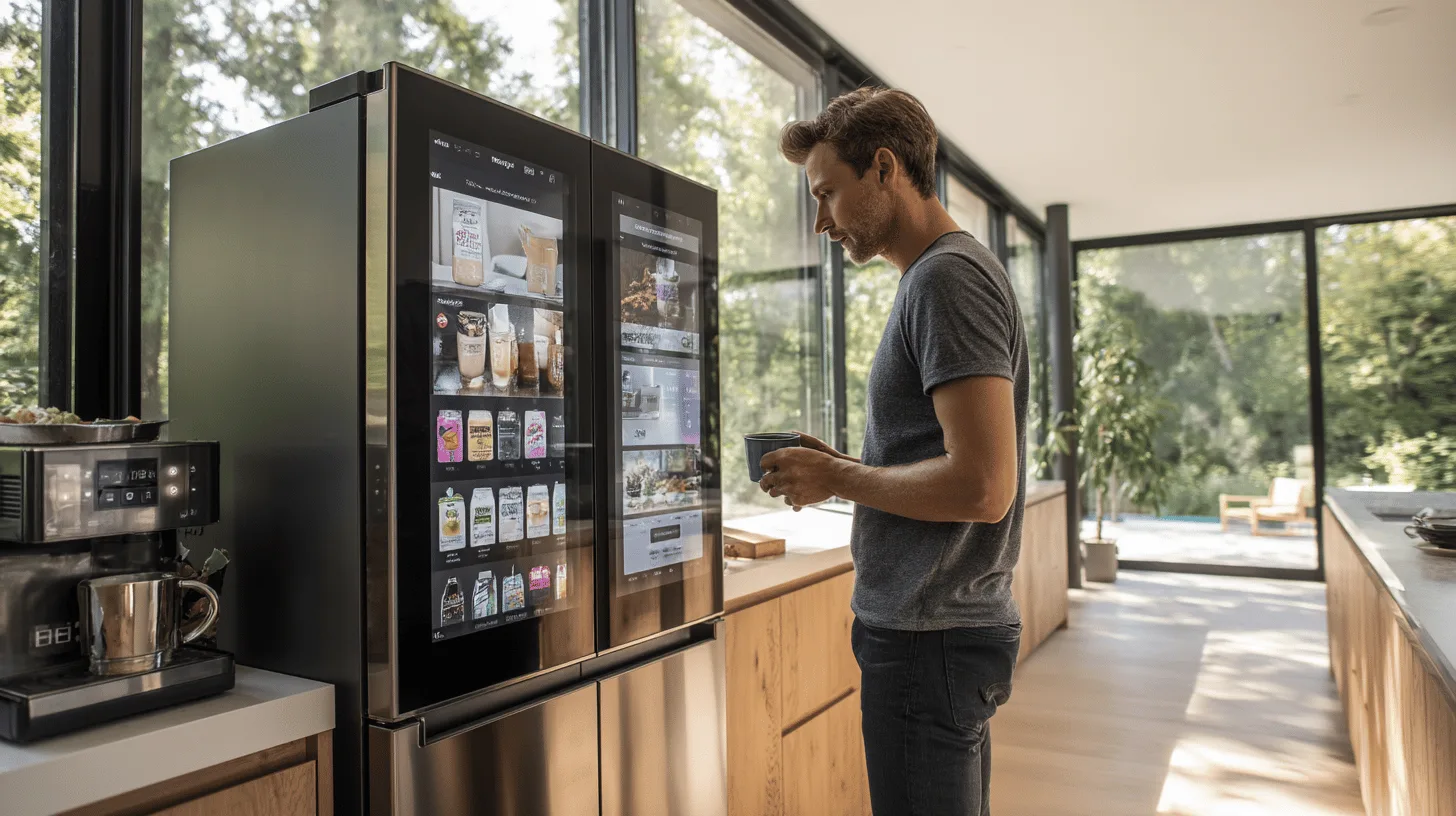
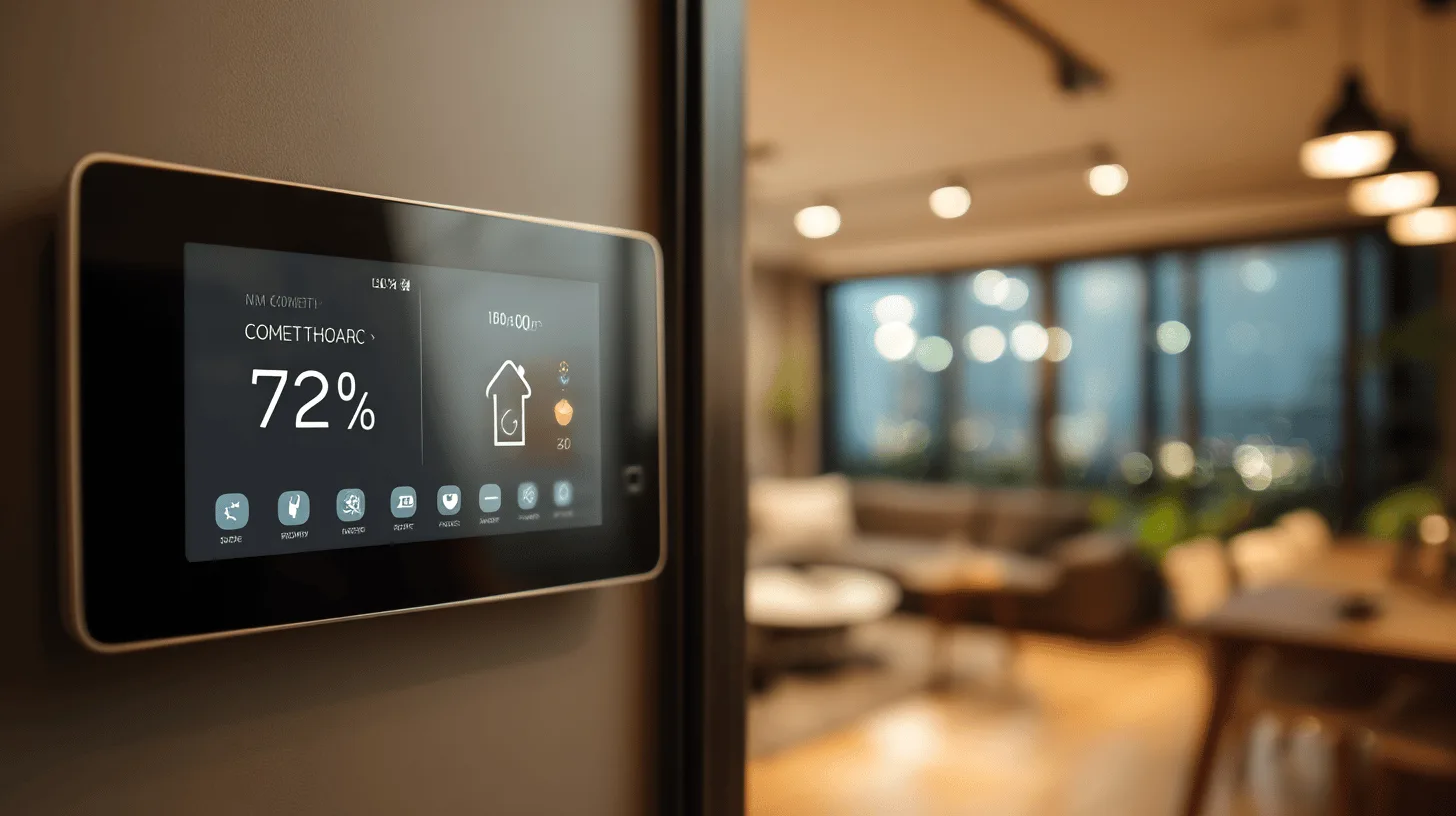
For more than twenty years, someone at a trade show has promised that your fridge will soon order the milk. The fridge that does your shopping has been coming soon for longer than most of us have had broadband. It still hasn’t really arrived, and yet you can now walk into a UK electrical retailer and pay thousands of pounds for a fridge freezer with a screen bigger than your first PC monitor.
So is a smart fridge actually useful? Or is it just an ordinary fridge with a tablet glued to the front and a much bigger price tag? I’ve looked at what these machines do, what can go wrong and who should bother.
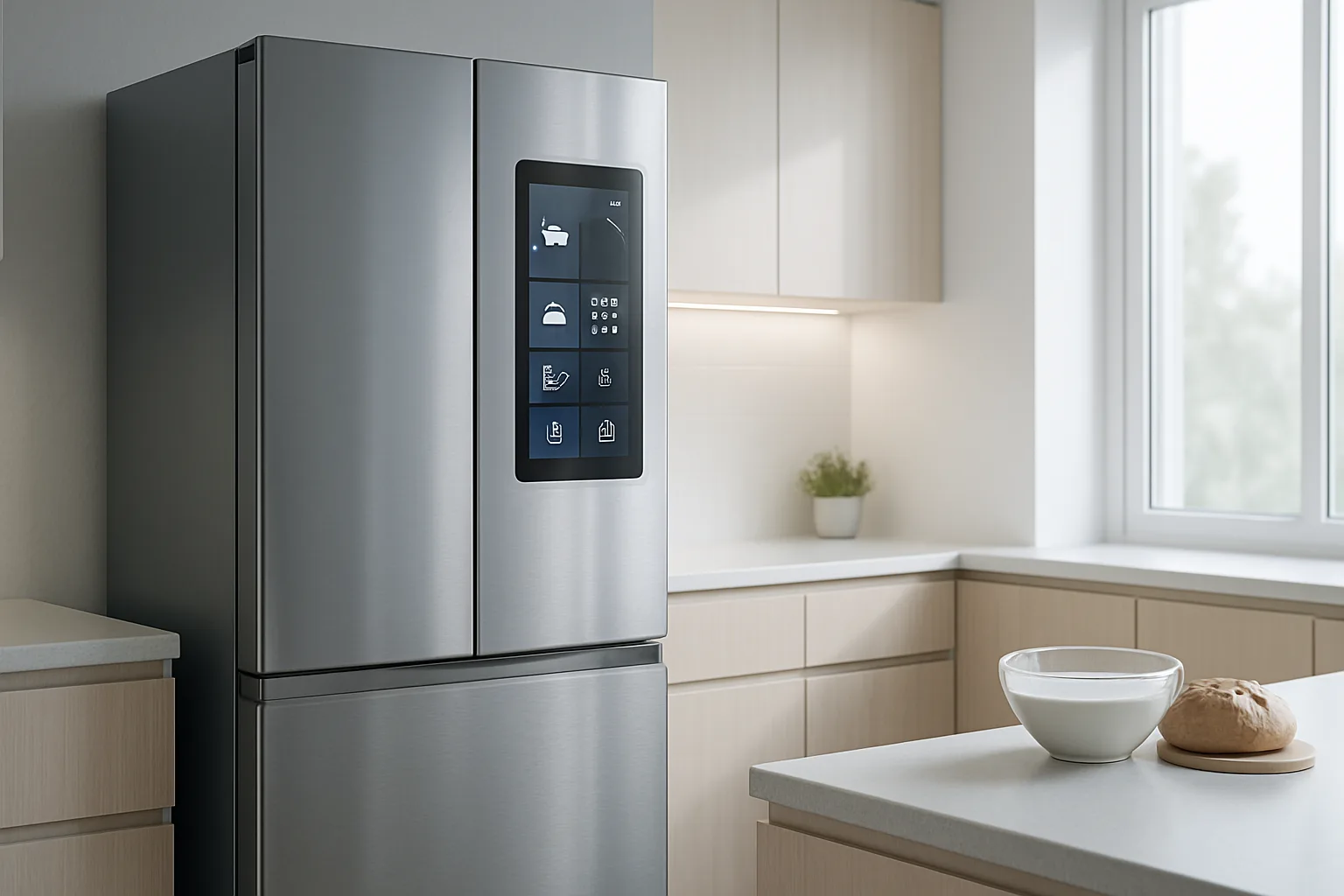
What does a smart fridge actually do?
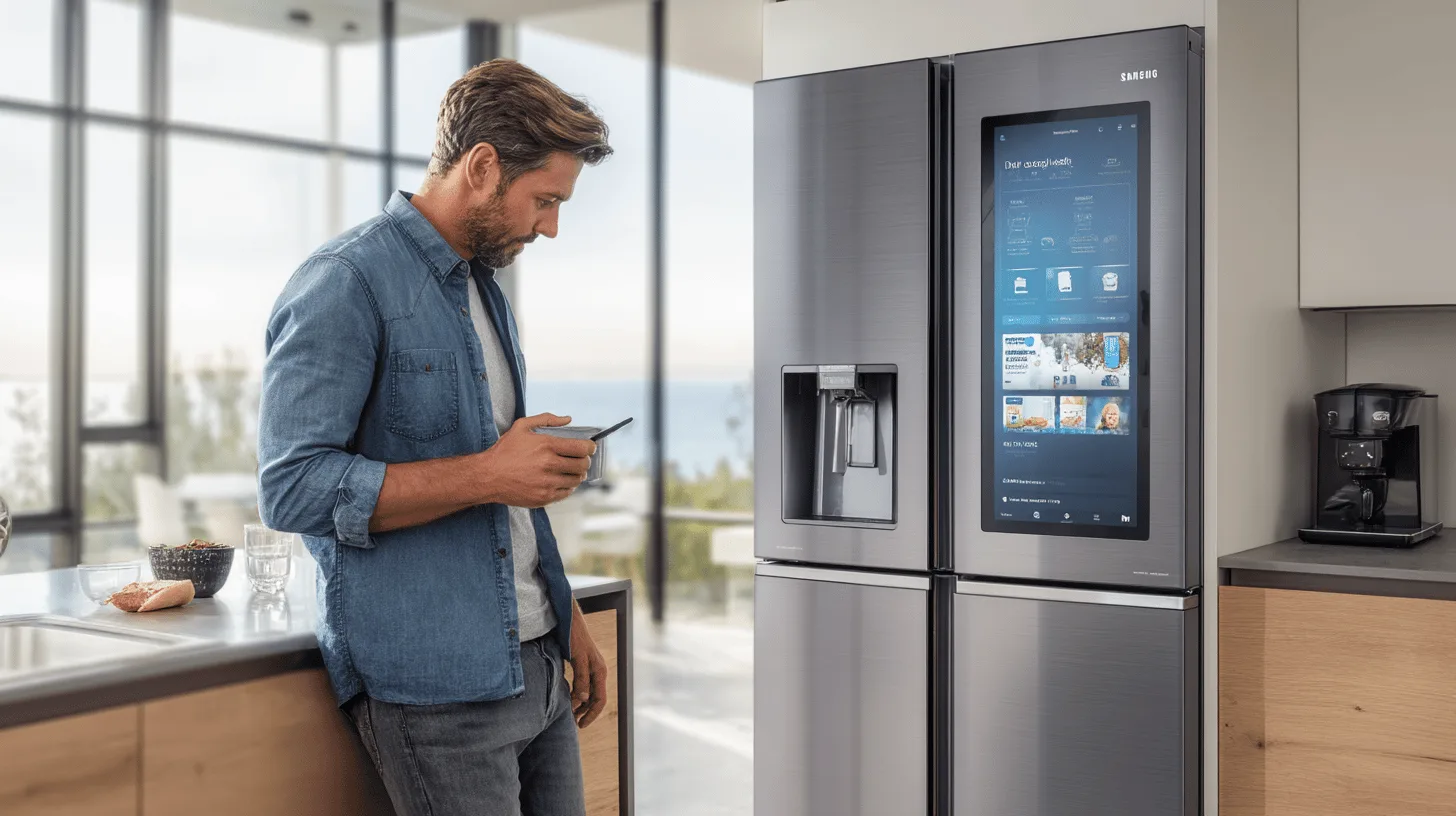
Strip away the marketing and a smart fridge is a normal fridge freezer with a Wi-Fi connection. It talks to an app on your phone and, at the top end, has a touchscreen on the door. Samsung’s Family Hub range is the best-known example. LG has its ThinQ app and InstaView doors, where you knock on a glass panel and it lights up so you can see inside. Bosch, Hisense and others offer connected models too, usually through their own apps.
The features fall into three groups. First, monitoring: alerts if the door is left open, if the temperature rises or if the power goes off. Second, cameras: some models take a photo of the shelves every time the door shuts, so you can check from the supermarket aisle whether you really need more eggs. Third, the screen: calendars, notes, music, recipes, and on some models a mirror of what’s on your TV.
Ordering the milk by itself? That’s still mostly a party trick. The fridge can’t reliably tell a full carton from an empty one, and nobody has made a habit of it.
The bits that genuinely earn their keep
To be fair, some of it is useful. A door-open alert is handy if you have teenagers or a dog that has worked out the handle. A temperature warning while you’re away for a fortnight can save you a freezer full of food and a smell that stays with you. The Food Standards Agency advises keeping your fridge at 5°C or below, and a fridge that tells you when it drifts above that is doing a real job.
Remote control helps too. Some apps let you switch on a fast-freeze or holiday mode from your phone. The camera can stop you buying a third jar of mustard. And if a fault develops, some manufacturers can run diagnostics through the app, which might spare you an engineer visit or at least tell the engineer which part to bring.
Notice something, though. None of that needs a 21-inch touchscreen.
This is where it gets awkward. A fully loaded, screen-on-the-door American-style model often costs well over £2,000. A well-reviewed conventional fridge freezer with similar capacity and a good energy rating costs a fraction of that. Lower down the range, Wi-Fi alone is often a modest premium bundled with other upgrades, which is a far easier sell.
The bigger issue is time. A fridge freezer typically lasts ten years or more. Phones, tablets and apps don’t. The screen on your fridge is essentially a built-in tablet, and you know how a ten-year-old tablet behaves. Once the manufacturer stops updating the software or switches off the app, the clever bits can stop working, while the cold box carries on for years.
You are buying a fridge for a decade and a computer for a few years, welded together, at one price.
Before you buy, check how long the manufacturer promises security updates. Since 29 April 2024, UK law has required makers of connectable consumer products to tell you that minimum support period at the point of sale. If it’s short, or hard to find, take that as your answer.
Can a smart fridge be hacked?
In theory, yes. Anything connected to your home Wi-Fi is a possible way in, and badly secured internet-connected gadgets have been used in botnets: networks of hijacked devices that attackers use to flood websites with traffic. Nobody is very interested in your yoghurt. They’re interested in a computer on your network that nobody ever updates.
The rules have tightened. Under the Product Security and Telecommunications Infrastructure regime, which also came into force on 29 April 2024, smart products sold in the UK can no longer ship with weak, universal default passwords such as admin or 12345. Manufacturers must also publish a way to report security flaws. That applies across England, Scotland, Wales and Northern Ireland.
You still have a part to play. The National Cyber Security Centre’s advice for smart devices applies here: set a strong, unique password for the account, turn on two-step verification where the app offers it, install updates when prompted and, if your router supports it, put smart gadgets on a separate guest network. If you ever sell or scrap the fridge, factory reset it and remove it from your account.
What about privacy and the energy bill?
A fridge with cameras and an app collects data: when you open the door, what’s on the shelves and how you use it. Under UK GDPR you have the right to know what a company holds about you and to ask for a copy, so read the privacy policy before you agree to everything during setup. Many features are optional, and the fridge will keep food cold perfectly well if you never connect it.
On running costs, ignore the claims and look at the UK energy label. A large screen and constant Wi-Fi draw some power, and a big American-style fridge freezer with an ice and water dispenser is rarely the most frugal option anyway. Compare the annual kWh figure on the label rather than the word smart on the box.
Who should buy one, and what to buy instead
A smart fridge makes sense if you were already buying a premium model, the connected version costs little extra and you like the idea of alerts on your phone. It can also suit you if you’re away a lot, or keeping an eye on an older relative’s kitchen from a distance.
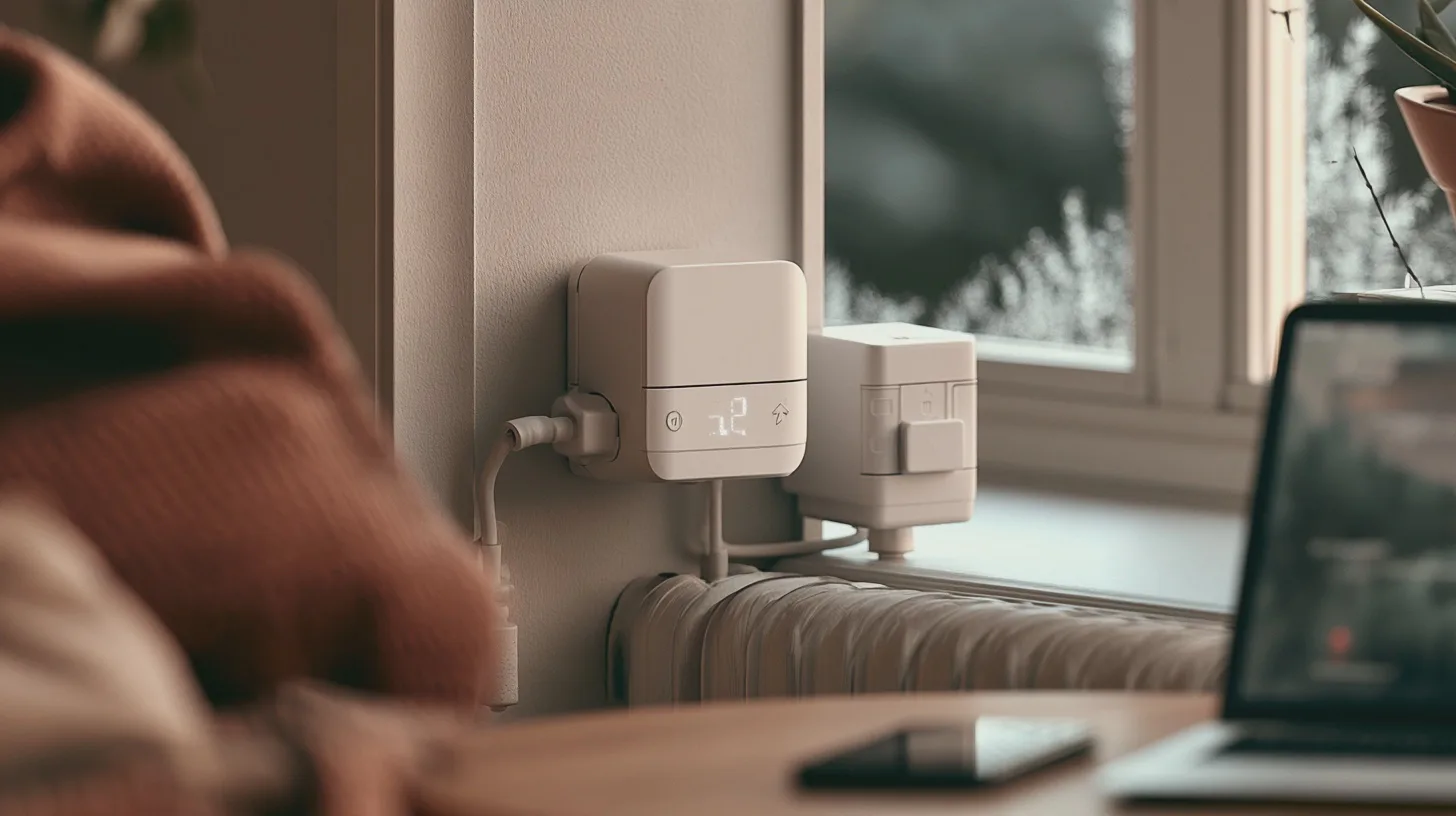
For most people, the sensible move is a well-built conventional fridge freezer with a good energy rating, plus a cheap wireless thermometer if you want temperature alerts. You get the useful 10 per cent of the smart features for a tiny fraction of the cost, and nothing to stop working when an app is retired.
And if you really want a screen in the kitchen, buy a tablet. When it’s past it, you can replace it without defrosting anything.
In short
Smart fridges have some genuinely useful features, mainly temperature and door alerts, remote settings and cameras that show you what’s inside. But the big touchscreen models carry a hefty premium for features most people stop using, and the software may stop being supported long before the fridge wears out. Buy one only if the extra cost is small and the manufacturer’s update promise is long. Otherwise, a good ordinary fridge and a cheap wireless thermometer will do the job.
Sources

Midcent Tech
Alex Innes explains technology for men 45 and over who have seen every gadget since the ZX Spectrum and are not easily impressed. AI and ChatGPT, phones, cars, the smart home, the subscriptions worth keeping and staying safe online – what it does, whether it's worth the money, and whether you need it at all.
One of Midcent's writers. Spotted something? Write to alex@midcent.uk.