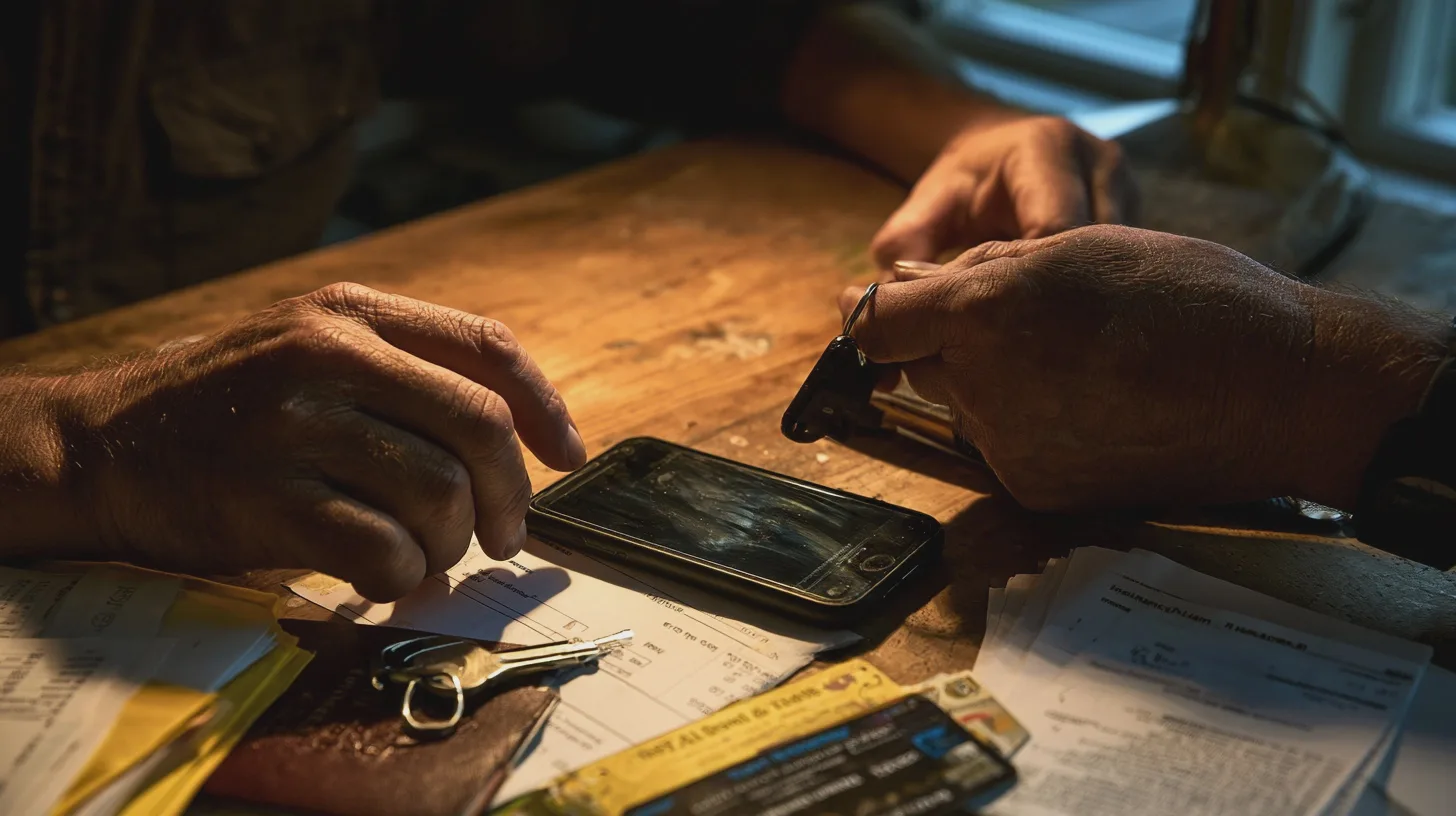
You unlock your phone with a glance, then spend five minutes trying to remember the password for an account you last used at Christmas. It is tempting to conclude that your face should replace every password you own.
Not quite. The useful development is the passkey: a way to sign in that often uses your face or fingerprint, but does not make either one your online password. That distinction matters rather more than the marketing suggests.
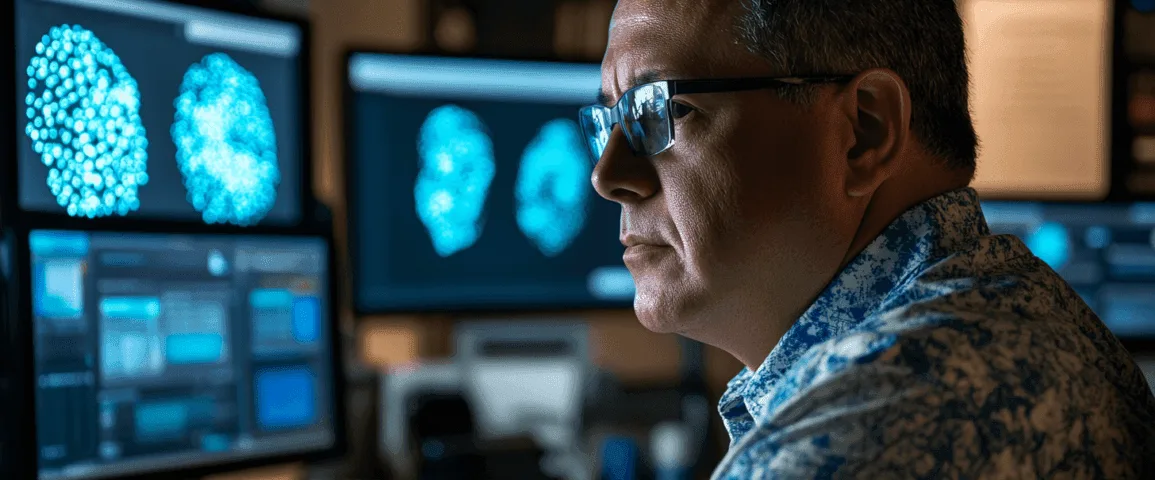
Are fingerprints safer than passwords?
For unlocking a device, a fingerprint or face scan is wonderfully practical. You cannot forget your face on the train, although your phone may decline to recognise it at precisely the least convenient moment. A device PIN or passcode remains the fallback, so choose one that is hard for somebody looking over your shoulder to learn.
But a fingerprint is not a secret in the way a password is. You leave fingerprints on things; your face appears in photographs. And if biometric information is compromised, you cannot issue yourself a new thumb. Whether that matters depends heavily on how the system uses and stores the information.
There is another distinction worth watching. Unlocking your banking app with your phone’s face recognition does not, by itself, tell you how the bank authenticates your account behind the scenes. The face check may simply open the app or approve an action on your device. Convenient? Certainly. Proof that the password has vanished? No.
For accounts that still require passwords, the National Cyber Security Centre (NCSC) recommends strong, distinct passwords and two-step verification, which asks for another check when you sign in. A password manager can create and remember those passwords. It is less glamorous than staring meaningfully at a camera, but it works.
What is a passkey, and where does your face go?
A passkey replaces the password you would normally type into a website or app. It uses a pair of cryptographic keys: one held by the service and a private one controlled through your device or passkey provider. When you sign in, your device proves it has the private key without handing that key to the website.
Your fingerprint, face scan or device PIN authorises the device to use the passkey. In a standard passkey sign-in, the website does not receive your fingerprint or face data. This is why calling a passkey a ‘face password’ gets the important bit backwards: your face opens the lock locally; the passkey does the online work.
Passkeys are also designed to work only with the genuine site or app they were created for. That makes them resistant to phishing: a convincing fake sign-in page cannot simply collect a reusable password or security code. It does not make you immune to every scam. Someone can still persuade you to share information, approve something you did not intend or hand over control of an account through its recovery process.
This is no longer just a feature for technology firms. GOV.UK One Login published guidance for passkey sign-in on 28 July 2026. If the option is available in your account, you can use a face scan, fingerprint or device passcode instead of entering your password and security code each time. GOV.UK says the biometric data is not shared with One Login or the services you access through it.
What happens if you lose your phone?
The immediate answer is reassuring: possessing your phone should not be enough to use a passkey if a thief cannot unlock it. The less comfortable answer is that you need a plan for getting back in yourself. Passkeys may synchronise through a provider’s password manager to your other devices, or may remain tied to one device. Those arrangements have different consequences when the phone disappears.
A passkey is only as reassuring as the device protecting it and the route you use to recover your account.
Before replacing a phone, check where your passkeys are saved and whether they appear on another device you own. Secure the account that synchronises them, too: it is now an important part of your digital keyring. Do not assume that buying a new handset automatically restores everything.
GOV.UK One Login says you can use a passkey on another device, or fall back to a password and security code if you lose your phone. If it was stolen, its guidance says to remove that passkey from your One Login account and set up a new one. The available recovery route varies by service, so check it while you can still sign in, rather than during a frantic search for a missing coat.
When does biometric security become a privacy problem?
A face scan used locally to unlock your phone is not the same proposition as giving a company your face or fingerprint for its own recognition system. With the latter, ask what it collects, where it stores the data, how long it keeps it and what alternative you have. A gym asking for your face to open a door deserves a different level of scrutiny from your phone checking its owner.
Under the UK General Data Protection Regulation (UK GDPR), biometric data processed to uniquely identify someone is special category personal data. As at October 2026, those rules apply across England, Scotland, Wales and Northern Ireland; this is not a question with four different national answers. The Information Commissioner’s Office says an organisation using biometric recognition needs both a lawful basis and a separate condition for processing that special category data. Consent is not automatically valid just because there is a tick box, particularly if refusing leaves you with no realistic alternative.
That legal protection does not make every biometric scheme a good bargain. A company may have a defensible reason to identify people, but you can still decide that a card or PIN is quite sufficient for buying a sandwich or entering a leisure centre.
Should you switch now?
Yes, where a service you trust offers a passkey and you understand how you will recover access. Start with accounts that matter: your main email, a password manager if it supports passkeys, and GOV.UK One Login if the option appears in your account. Follow the service’s own sign-in settings rather than a link in an unexpected message. Setting up a passkey costs nothing in itself; you do not need a new gadget simply to join in.
Keep a strong screen lock on your phone and computer, install updates, and make sure nobody else who can unlock a shared device can use your passkeys. GOV.UK explicitly advises against setting one up on a device you share. If your laptop asks you to scan a QR code with your phone to sign in, do so only when you initiated the sign-in yourself.
Do not conduct a ceremonial burning of your password notebook just yet. Some services retain passwords as a fallback; others do not offer passkeys at all. A passkey can make the normal route into an account substantially safer while an older recovery route remains available. Protect that route with a unique password and two-step verification wherever the service allows it.
The sensible verdict is neither ‘biometrics will save us’ nor ‘never let a camera see your face’. Use local face or fingerprint checks for convenience, passkeys for better online sign-ins, and healthy scepticism when someone wants to store your biometric data for their own purposes. Three different decisions; no science-fiction soundtrack required.
In short
Passkeys are generally a safer replacement for passwords because they resist fake sign-in sites; your face or fingerprint usually just unlocks the passkey on your device. Use them where offered, but secure your device and check your recovery options first. Be more cautious when an organisation asks to collect and store your biometric data itself.
Sources

Midcent Tech
Alex Innes explains technology for men 45 and over who have seen every gadget since the ZX Spectrum and are not easily impressed. AI and ChatGPT, phones, cars, the smart home, the subscriptions worth keeping and staying safe online – what it does, whether it's worth the money, and whether you need it at all.
One of Midcent's writers. Spotted something? Write to alex@midcent.uk.