Somebody always ends up taking the minutes. For most of your working life it was probably the most junior person in the room, or you, because you made the mistake of owning a pen. Now a new volunteer has turned up. It doesn’t drink the coffee, it never gets bored, and it’ll have a tidy summary in your inbox before you’ve found your car keys.
AI note takers have spread fast through Zoom and Teams calls, GP surgeries and kitchen-table phone calls with the bank. Here’s what they actually do, which ones are worth a look, and why you shouldn’t sack your own memory just yet.
What is an AI note taker, exactly?
Strip away the marketing and an AI note taker does three things. It records the audio. It runs speech recognition to turn that audio into a written transcript. Then a large language model, the same kind of technology behind ChatGPT, reads the transcript and writes a summary, usually with a list of decisions and action points.
The better tools also do speaker identification, which simply means working out who said what, so the transcript reads “Dave: we’ll have it by Friday” rather than a wall of anonymous text. Most let you search old meetings too, which is handy when you need to prove Dave really did say Friday.
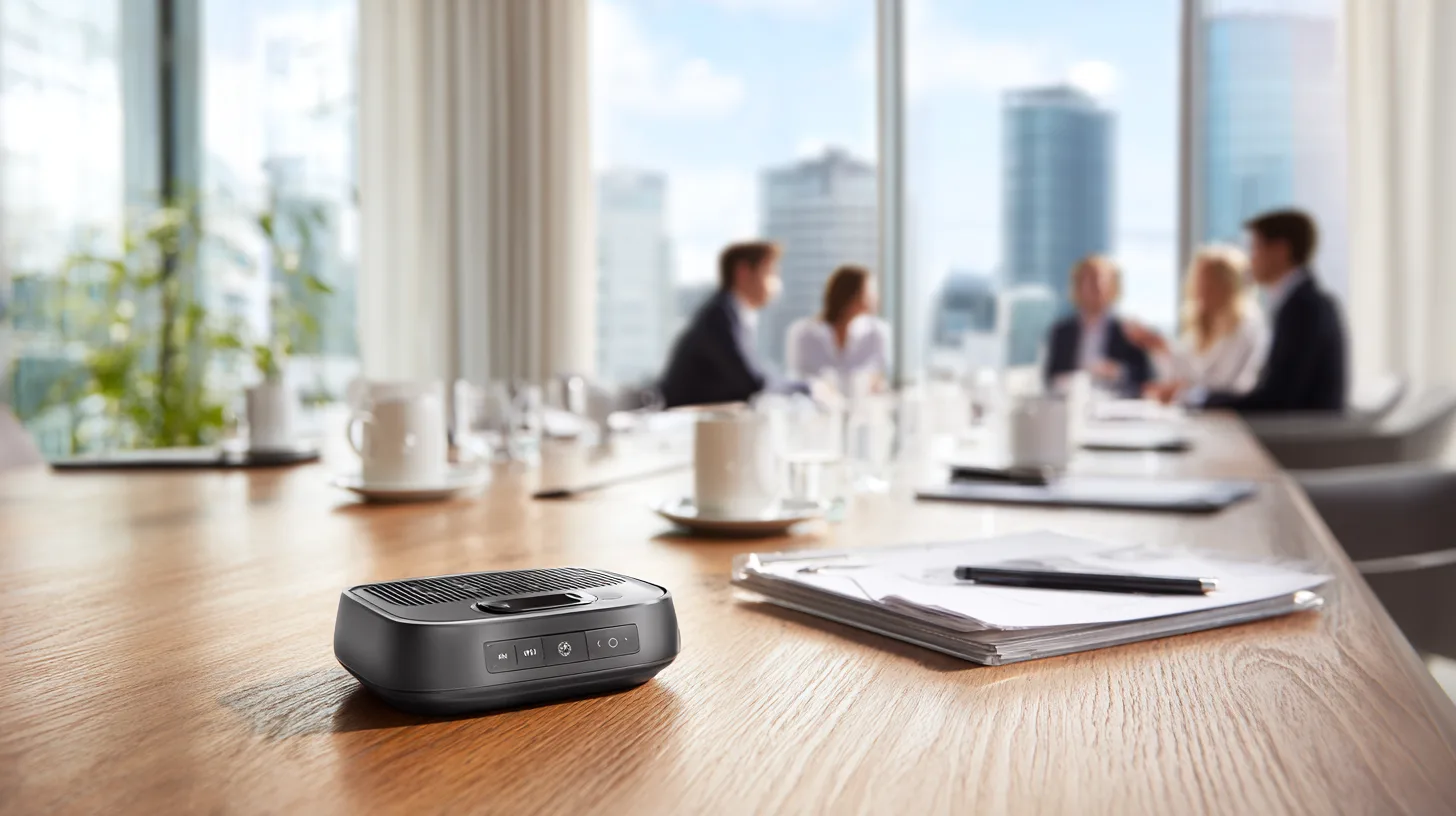
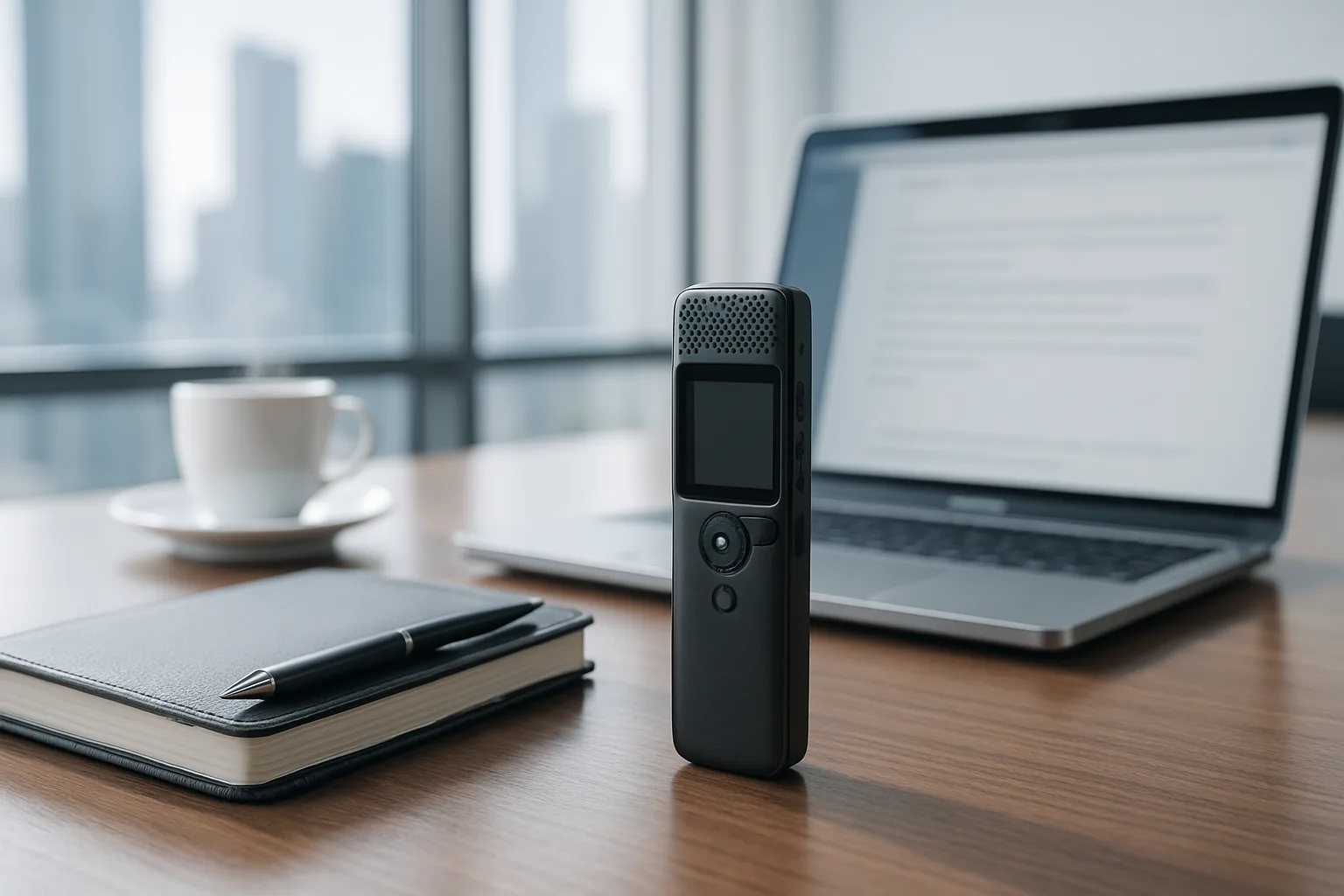
They come in three main forms. There are bots that join your video calls as an extra participant. There are features built into the software you already use. And there’s a newer crop of small hardware recorders that clip to your shirt or stick to the back of your phone.
Which AI note taker should you use?
Start with what you already pay for, because the cheapest note taker is usually the one hiding in your existing subscription.
If your employer runs Microsoft 365, Teams can produce transcripts and, with the right business licence, Copilot can summarise meetings and pull out actions. Google Workspace has its own equivalent in Meet, with Gemini offering to take notes for you. Zoom includes its AI Companion, which writes meeting summaries, at no extra cost on paid accounts. For most office workers, the decision has already been made by the IT department.
Standalone services such as Otter.ai and Fireflies work across several platforms and send a bot along to your calls. Otter has a free tier with a monthly limit on minutes and paid plans above that, priced in US dollars, so what you pay in pounds moves with the exchange rate. These suit freelancers, consultants and anyone juggling clients who all use different video apps.
Then there’s the hardware. Plaud’s recorders, including the credit-card-sized Note and the wearable NotePin, record conversations in person and send them to an app for transcription and summary. You buy the device, get a free monthly allowance of transcription minutes, and pay a subscription if you need more. They’re aimed at people whose important conversations happen across a desk rather than on a screen.
Finally, look at the phone in your pocket. On a recent iPhone, the Phone app can record calls and produce a transcript. Everyone on the call hears an automatic announcement that it’s being recorded, which is both polite and something of a mood-killer. With Apple Intelligence switched on, you can also get a summary. Many recent Android phones, including Samsung’s Galaxy AI models and Google’s Pixels, have their own recording, transcription and summary features.

Where do they go wrong?
Transcription is now very good, but it’s not perfect. Strong regional accents, people talking over each other, a bad line or a room that echoes like a swimming baths will all cause trouble. Names, technical terms and acronyms get mangled most of all.
The summary is where the real risk lies. A language model doesn’t understand your meeting the way you do. It predicts plausible text, and it can confidently report a decision nobody made, give an action to the wrong person or miss the sarcasm in “oh, brilliant idea”. Researchers have also found that speech recognition systems sometimes invent words that were never spoken, especially during long silences.
An AI summary is a first draft from a keen junior who wasn’t really listening. Check it before anyone acts on it.
There’s a social cost as well. A bot sitting in the participant list changes how people talk. Colleagues become more guarded, and the useful frank remarks you’d make in person tend to dry up. Some firms now ban outside note-taking bots from sensitive meetings altogether.
Is it legal to record a meeting with AI in the UK?
For a private individual, recording your own conversation for your own use, such as a call with an energy supplier, is generally not illegal in the UK. Using or sharing that recording is a different matter, and courtesy says you should tell people anyway.
Businesses are held to a higher standard. A recording of identifiable people is personal data under UK GDPR, so an organisation needs a lawful reason to make it, must tell people it’s happening and must keep it secure and no longer than necessary. The Information Commissioner’s Office (ICO), the UK’s data protection regulator, enforces those rules. These rules apply across England, Scotland, Wales and Northern Ireland alike. If your employer brings in a note taker, you’re entitled to know what’s recorded, where it’s stored and who can see it.
You may meet the same technology at the doctor’s. Some GP practices and hospitals now use what the NHS calls ambient voice technology, which listens to the consultation and drafts the clinical notes. The clinician should tell you it’s in use and remains responsible for checking the record. If you’d rather it wasn’t on, say so.
What happens to your recordings?
This is the question worth asking before you press record. Many services process audio in the cloud, often on servers outside the UK, and some terms allow your data to be used to improve the company’s AI models unless you opt out. Read the privacy settings, switch off training on your data where you can, and set recordings to delete automatically after a sensible period.
Treat the account itself as valuable. It may hold months of confidential conversations, so protect it with a strong, unique password and two-step verification, as the National Cyber Security Centre recommends for any important account. Be wary of giving a free bot permission to read your whole calendar and join every meeting automatically. That’s how a note taker ends up turning up to a disciplinary hearing it was never invited to.
For genuinely sensitive material, such as legal matters, health, money or HR, the old advice still holds. Don’t record it at all unless you must, and if you do, use a tool your organisation has approved.
In short
AI note takers record a meeting or call, transcribe it and write a summary with action points, and the best ones save real time. For most people the sensible starting point is the feature already built into Teams, Zoom, Google Meet or a recent phone, rather than a new subscription. Always tell people you’re recording, check the summary before anyone relies on it, and lock down where the recordings go, because UK GDPR applies the moment a business records identifiable people.
Sources

Midcent Tech
Alex Innes explains technology for men 45 and over who have seen every gadget since the ZX Spectrum and are not easily impressed. AI and ChatGPT, phones, cars, the smart home, the subscriptions worth keeping and staying safe online – what it does, whether it's worth the money, and whether you need it at all.
One of Midcent's writers. Spotted something? Write to alex@midcent.uk.