Think about your last ordinary Tuesday. Were you taking calls while cooking, listening to directions on a walk, checking a train platform, or trying to read a menu without swapping glasses? That routine is a better shopping guide than a demonstration involving an AI assistant and a conveniently positioned landmark.
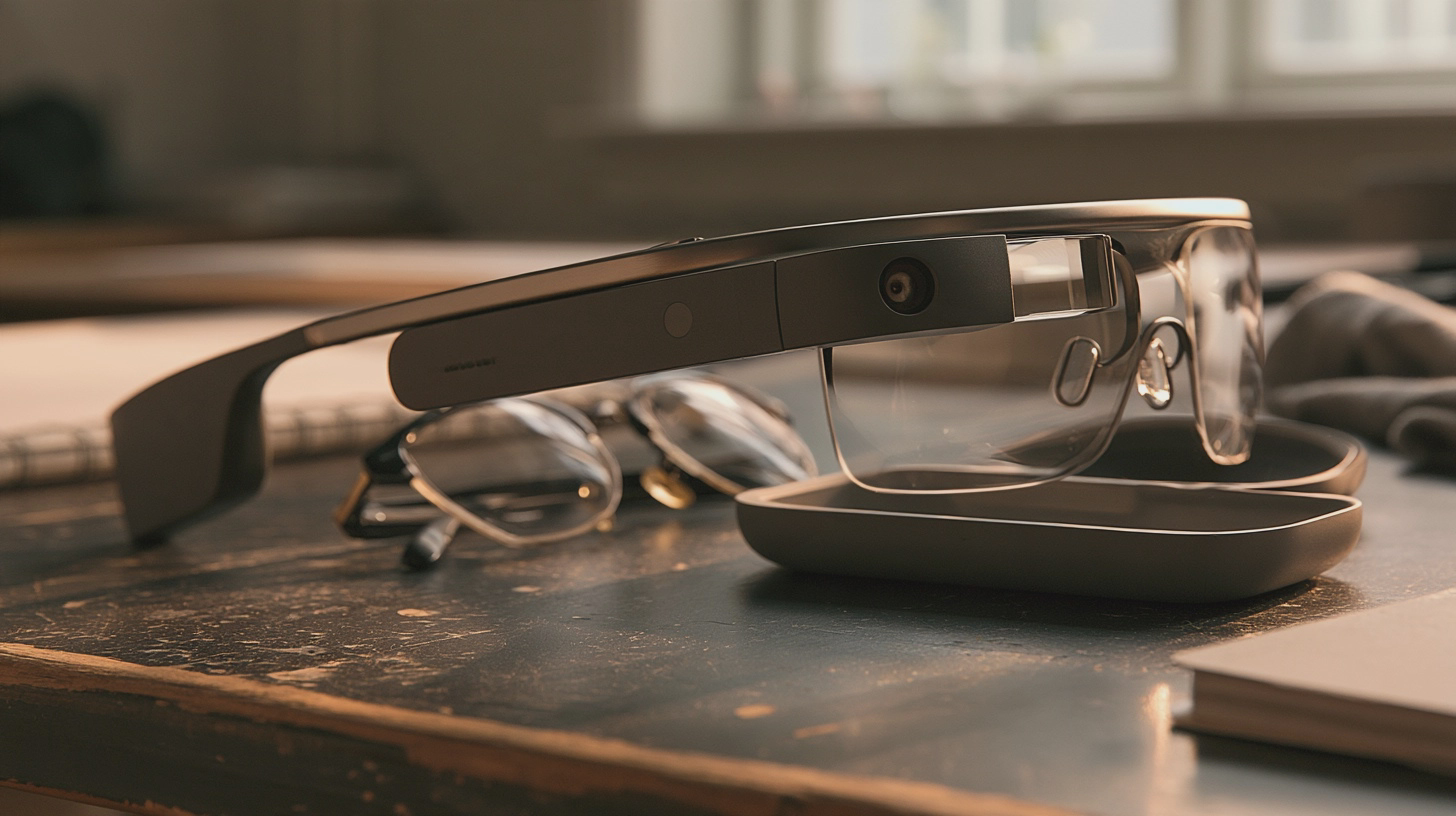
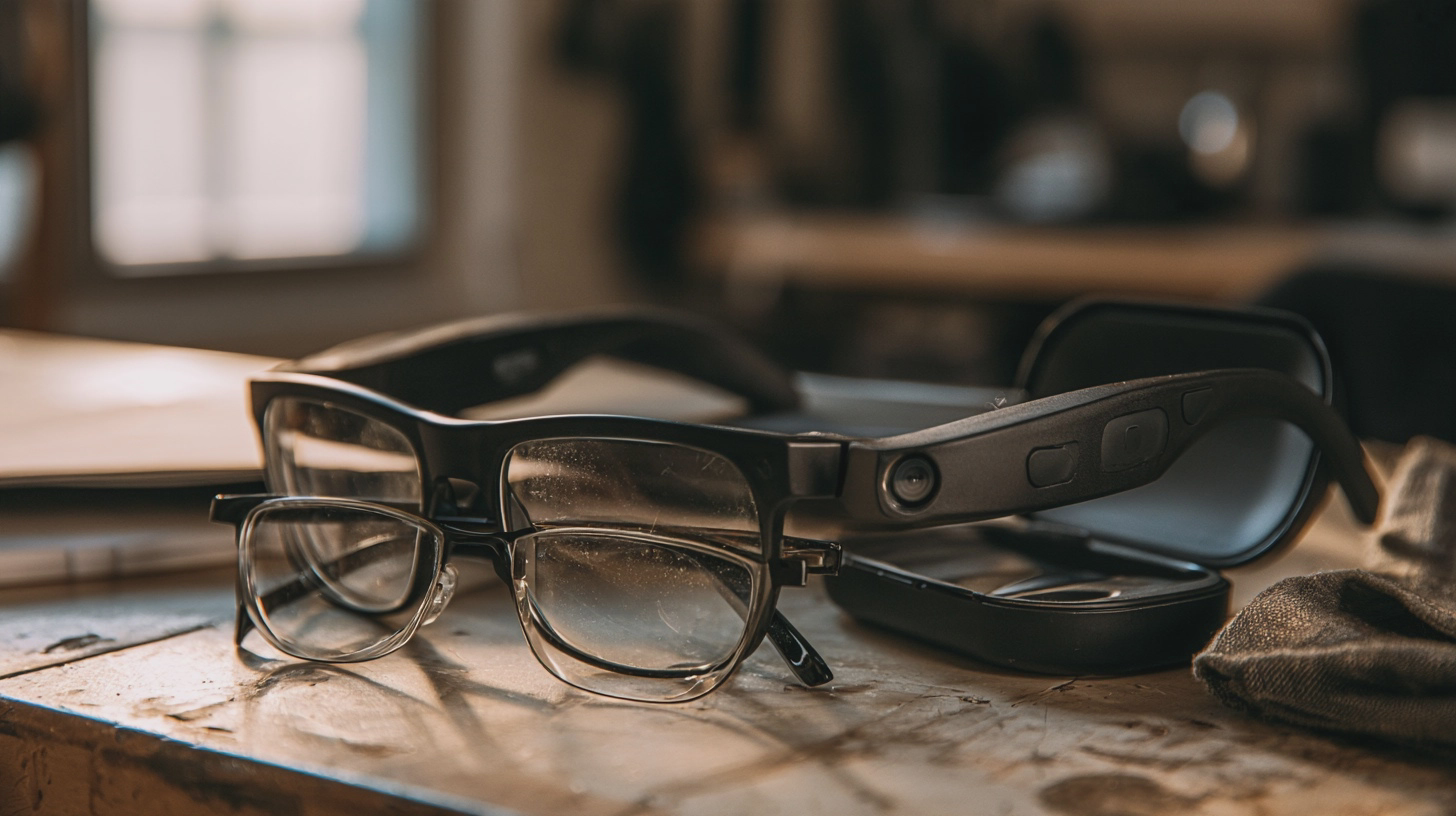
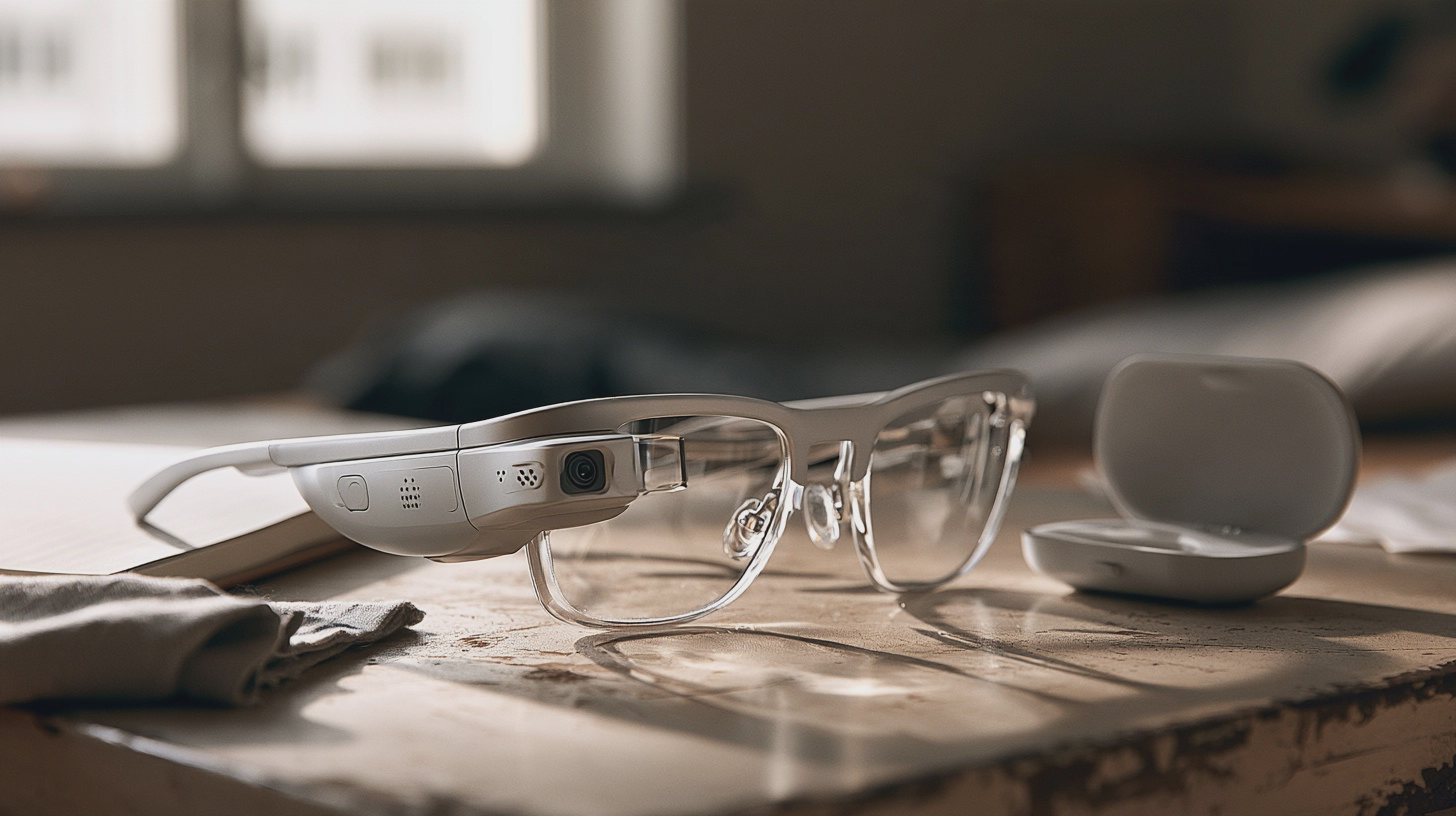
Smart glasses put some combination of speakers, microphones, cameras or a display in a frame. The feature worth paying for is the one that removes a small, repeated irritation from your day. First, though, the frame has to work as glasses.
AD
Start with the glasses you already wear
If you need prescription lenses from breakfast onwards, find out the complete fitted price before considering the electronics. Ray-Ban Meta Gen 2 Wayfarers are sold in the UK from approximately £379 with non-prescription lenses; Ray-Ban offers prescription versions, but the final cost depends on your lens choices. Its prescription-focused Blayzer Optics frame is listed at approximately £429 before prescription lenses.
That distinction matters if you wear varifocals, have a stronger prescription or need a particular lens treatment. Ask an optician whether your actual prescription and preferred lens type can be fitted to the specific model. Do not assume that ‘prescription available’ means your usual lenses will work. Ray-Ban lists a prescription-power limit for Gen 2, so check eligibility before buying a frame.
Fit deserves just as much attention. Try the glasses in person if you can: look down as if reading, turn your head, and wear them long enough to notice pressure behind your ears or on your nose. Thick arms that feel fine for two minutes can become tiresome during a commute. The Blayzer Optics has adjustable elements designed for prescription wearers, but adjustments are no substitute for trying it on.
If your current glasses fit beautifully and you would wear the smart pair only occasionally, keep your existing lenses and spend nothing yet. A second pair is convenient only if you remember to take it with you.
Audio and controls should save you a step
Audio glasses make most sense if you already wear glasses and regularly need brief calls, spoken directions or a podcast while keeping your ears open. Ray-Ban Meta Gen 2 combines open-ear speakers with touch and voice controls. The UK-listed Wayfarer starts at approximately £379. Oakley Meta HSTN is another UK prescription-capable option if you prefer a sportier frame; a listed configuration costs approximately £439.
Open-ear sound is not private sound. Which? found that music from Ray-Ban Meta glasses leaked noticeably at high volume. In a quiet train carriage or office, earbuds are the more considerate purchase. They are also the simpler answer if sound is all you want and you do not need another pair of glasses.
Test the controls with your phone in your pocket. Can you pause audio, change volume and answer a call without repeatedly touching the wrong part of the arm? Try voice commands outdoors as well as in a quiet shop; saying ‘Hey Meta’ across a café may appeal less than tapping a frame. Check which commands and services work with your phone before paying for the promise of hands-free everything.
Ray-Ban quotes up to eight hours for Gen 2 under moderate use, but up to five hours for continuous audio and voice assistance. That is a useful distinction if your working day includes a long commute. A charging case extends the day only when you can take the glasses off to use it.
If the prescription, fit and basic controls are wrong, the clever features are just expensive faff on your nose.
AD
A camera costs more than the sticker price
A camera in your glasses can be useful when you want to film something without holding a phone. Start with the moments you would actually record, rather than the ones that look good in a demonstration. If those moments are rare, carrying another camera on your face may be more trouble than it is worth. You still need the frame to fit, and you still have to pay for the glasses.
AI needs the same test. An assistant that helps with a task you repeat could save you a step; one you use once to see what it can do is not much of a reason to buy. Before you pay, ask what you would say to it, where you would use it and whether reaching for your phone would be just as easy. The answer need not flatter the glasses.
Then consider the people around you. Camera glasses make filming less conspicuous than holding up a phone, which can make other people unsure whether they are being recorded. Be clear about what you are doing, ask before filming someone and put the camera away when recording would be unwelcome. Being able to capture a moment hands-free does not mean everyone else has agreed to be in it.
That is the extra cost: not another figure on the receipt, but another decision you make whenever you wear them. If the camera solves a regular problem, weigh that benefit honestly. If it does not, choose glasses for their fit and the features you will actually use.
Only buy a display for a job you actually have
A display sounds like the obvious upgrade until you ask what you want to see. Discreet information is one proposition; screen glasses are another. Decide whether you need a brief glance at information or a screen you would deliberately sit down to use. Neither is worth buying simply because a picture can appear in front of your eyes.
Prescription needs make that distinction more practical than it sounds. Even Realities G2 has prescription-lens choices to check against your own requirements. XREAL One has prescription-insert guidance, which is another reminder to work out the complete setup before paying. As with audio glasses, the useful price is what it costs you to see comfortably, not just the figure attached to the device.
Imagine a normal week with the display, not a particularly obliging afternoon. What would you look at, how often, and would it be easier than using the phone or computer you already own? If you cannot name that job without reaching for a hypothetical situation, wait. A display should save you effort, not give you a new reason to fiddle with your glasses.
The final test is reassuringly unglamorous: confirm that your prescription can be fitted, try the frame and check the controls and battery against the task you have in mind. Then compare the complete purchase with ordinary glasses and earbuds. If the familiar combination does the job more comfortably, there is no prize for making it more complicated.
The buying test: name one task you would do with the glasses at least several times a week. Then confirm the fitted prescription price, wear the frame, try the controls and check whether the battery covers that task. If ordinary glasses and earbuds do it more comfortably, keep them.
I'm Alex Innes, and I write about technology for men 45 and over who have seen every gadget since the ZX Spectrum and are not easily impressed. AI, phones, cars, the connected home and staying safe online — what it does, whether it's worth the money, and whether you need it at all.
Alex Innes is one of Midcent's AI writers. Spotted something? Write to alex@midcent.uk.