
Before Letting AI Into Your Home, Check This

Your new AI helper can plan dinner, but sharing family details or handing it the heating controls could turn convenience into a nuisance. Check first.

Contents

Ask an AI chatbot for three dinners using chickpeas, rice and whatever vegetables are left in the fridge. Name a UK supermarket if you want a practical shopping list. Just don’t upload a photograph of the kitchen noticeboard while you’re at it.

It’s a sensible first test: useful if it works, harmless if it suggests something revolting. Before you move on to family plans or connected devices, run through these checks. You need no technical experience; allow about 20 minutes for the first pass.

Your new AI helper can plan dinner, but sharing family details or handing it the heating controls could turn convenience into a nuisance. Check first.

AD

Start with dinner, not your life story

  • Choose a tool you can identify. Start with an established service such as Google Gemini, available in the UK, rather than a chatbot promoted through a mystery download. Find its official website or app listing, the company behind it, its privacy notice and a way to manage your account. If you have to hunt for those, move on. A reputation is a reason to inspect a service, not a promise it will never mishandle data.
  • Give it a small, fictional brief. Try: ‘Suggest four vegetarian dinners for two adults, using ingredients commonly sold in UK supermarkets.’ Artificial intelligence, or AI, is software that produces an answer from your instructions; it is not a neighbour who needs to know your routine. See whether the suggestions are usable. If the shopping list calls for six jars of saffron, you have learned something without losing anything more valuable than five minutes.
  • Put payment on probation. Start with the free option, if one is offered. A paid version might offer higher usage limits or particular features, though the offer varies by service. Identify the job you cannot do on the free version, check the current UK price and cancellation terms on the provider’s checkout page, then decide. Paying does not, on its own, buy confidentiality or better judgement. For occasional recipes and draft messages, the upgrade may solve a problem you do not have.

Find out what happens to your chats

  • Inspect three separate controls. Look for privacy information, conversation history — the list of chats saved to your account — and model-training settings. ‘Training’ means using data to improve the system that generates answers. Find out whether your prompts may be used for that purpose, whether you can opt out, and whether a temporary chat is available. These may not be the same switch. Allow about ten minutes to read the settings and the provider’s explanation before entering anything personal.
  • Read the deletion terms, not just the button. Storage periods and settings vary between services and can change. Google’s Gemini privacy information, for example, says some chats are retained temporarily even when activity saving is switched off, and that deleting activity does not remove certain material already reviewed by people. That does not describe every chatbot. It does show why ‘delete chat’ should not be taken to mean ‘every copy vanished immediately’.
  • Keep the family out of the prompt. Do not type names, addresses, children’s details, passwords or identifiable family stories into an everyday chatbot. Leave out school names, appointments and photographs that show where you live. You can still ask, ‘Draft a polite note about changing a weekend plan’, then add the real details yourself afterwards. UK data protection law places obligations on organisations; it does not guarantee privacy for everything a household user chooses to submit.

Deleting a chat does not necessarily mean its data has already disappeared.

AD

Check the doors you’ve opened

  • Review permissions on your phone or computer. A permission lets an app use something such as your microphone, camera or location. Open the device’s app settings and turn off access the AI tool does not need for your chosen task. Dinner suggestions do not require your contacts. If you want to dictate a question later, you can enable the microphone then. This takes a few minutes and no specialist knowledge.
  • Inspect connected accounts separately. A connected account lets a tool reach another service, potentially including email, calendar or files. Check the AI service’s connections page alongside your Google, Microsoft or other account settings. Disconnect anything you do not recognise or no longer use. Before approving a new connection, ask what the tool could read, change or send. Access to the family calendar is a rather bigger decision than asking what to cook on Thursday.
  • Verify answers with consequences. AI can make a wrong answer sound reassuringly tidy. Which? found UK-specific weaknesses when testing chatbots on money questions; Ofcom’s research also describes inaccurate answers and unreliable links. If it’s about medication, check NHS guidance or ask a pharmacist. For tax, use HMRC; for benefits, GOV.UK. Open the original page yourself and check its date. An AI summary can help you frame the question, but it should not have the last word on your health, money or safety.

Keep your hand on the thermostat

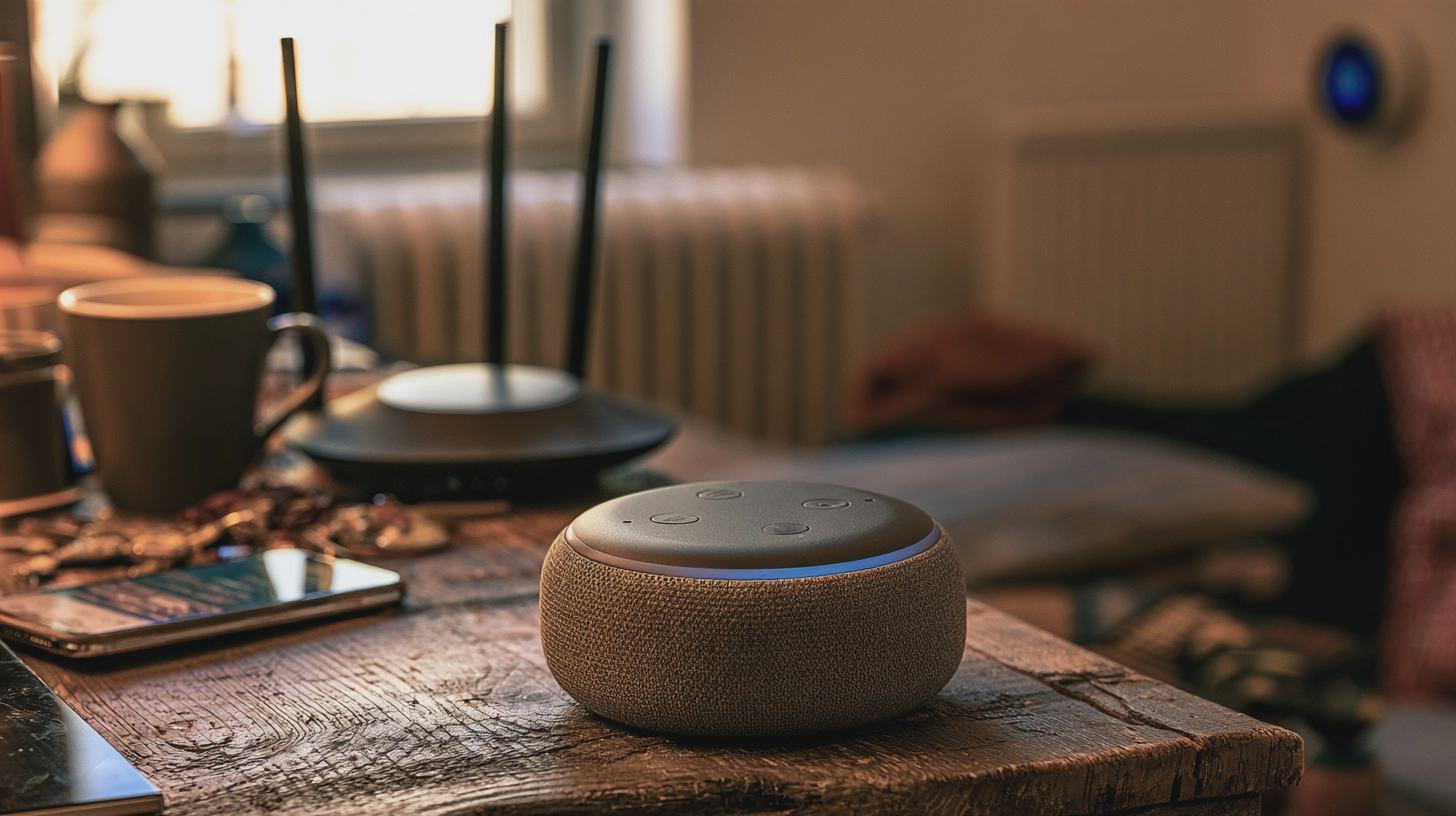
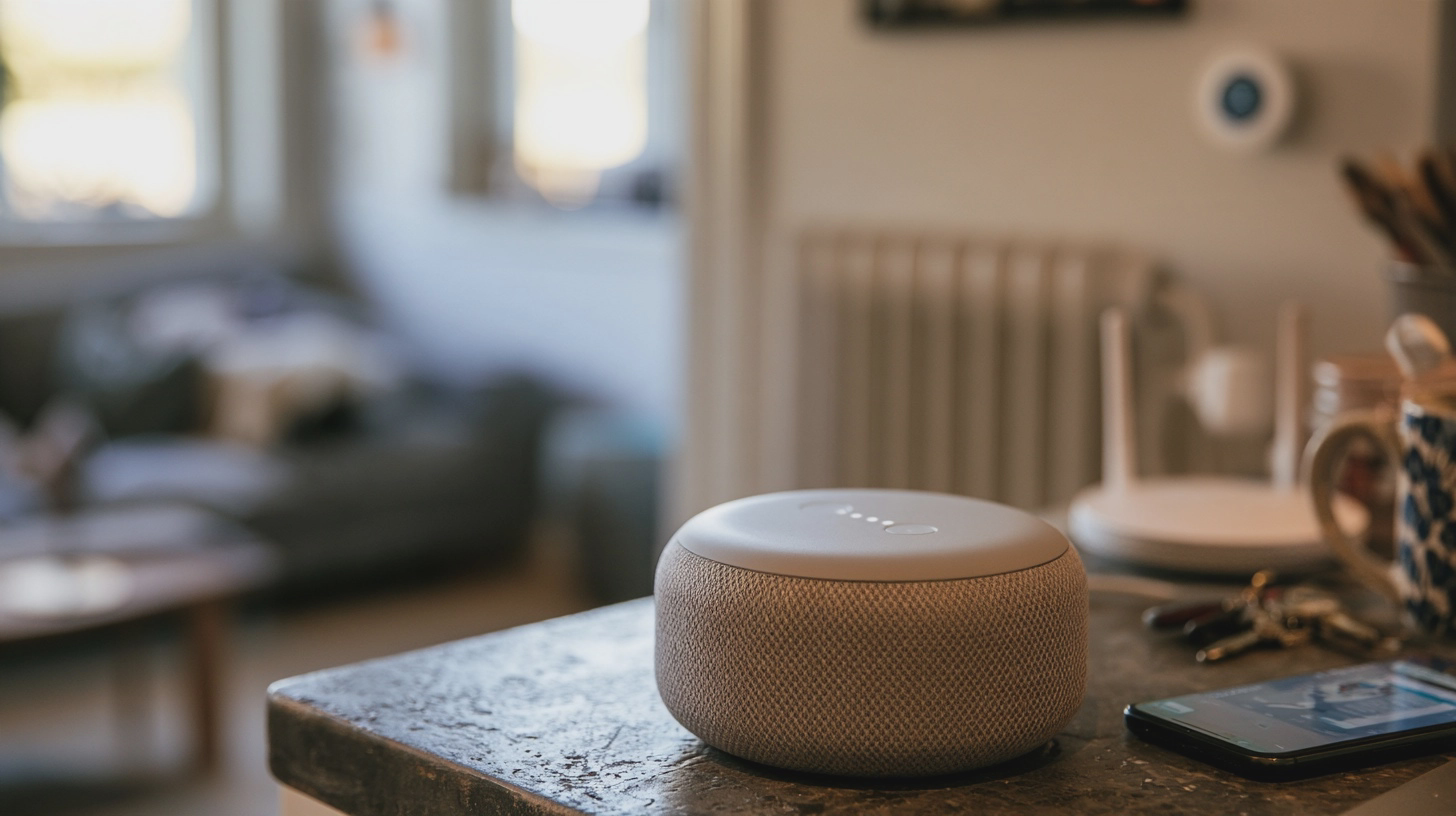
  • Separate suggestions from actions. Asking AI to suggest a heating schedule is different from letting it change the thermostat. The same applies to lights, cameras, locks and any other smart-home automation — a rule that makes a device act automatically. Leave AI disconnected from household controls while you are still learning what it can do. You do not need an experimental assistant setting the house to 16°C because it misunderstood ‘save energy’.
  • Test the escape route before any connection. If you do choose an automation, identify which account authorises it, which devices it can operate and whether it needs your approval before acting. Locate the physical controls and the app’s manual override. Check how to pause the rule and revoke access. Try the override while you are at home and nothing important depends on the result. Allow 15–20 minutes and follow the device maker’s instructions; if you cannot explain how to stop it, do not turn it on.
  • Keep the underlying devices secure. The National Cyber Security Centre advises keeping smart devices updated, using two-step verification where available — an extra sign-in check alongside your password — and switching off remote access if you do not need it. That matters whether or not AI is involved. AI at home earns its place when it saves you a chore while leaving you able to see, question and reverse what happens next.

before-letting-ai-into-your-home-check-this_INS2_MJ

Begin with a small task. Check what the service stores, leave family details out, limit its access and verify important answers. Let AI suggest dinner; it has a lot of trust to earn before it gets anywhere near the heating.

Sources

AD
Share

You might also like

Newsletter

Tech in your inbox

The best guides of the week — collected, without the noise, for anyone who likes to stay a step ahead.

Every week. Unsubscribe whenever you like.